Getting Started in PunBall
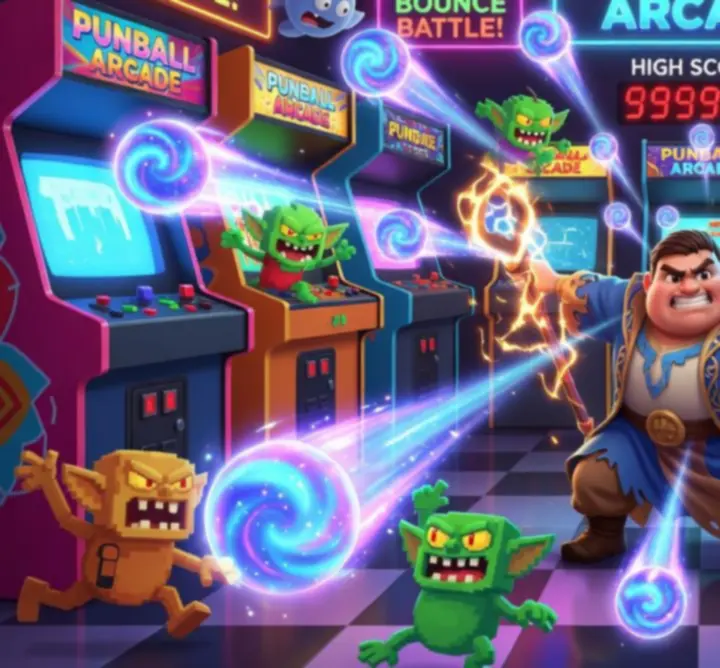
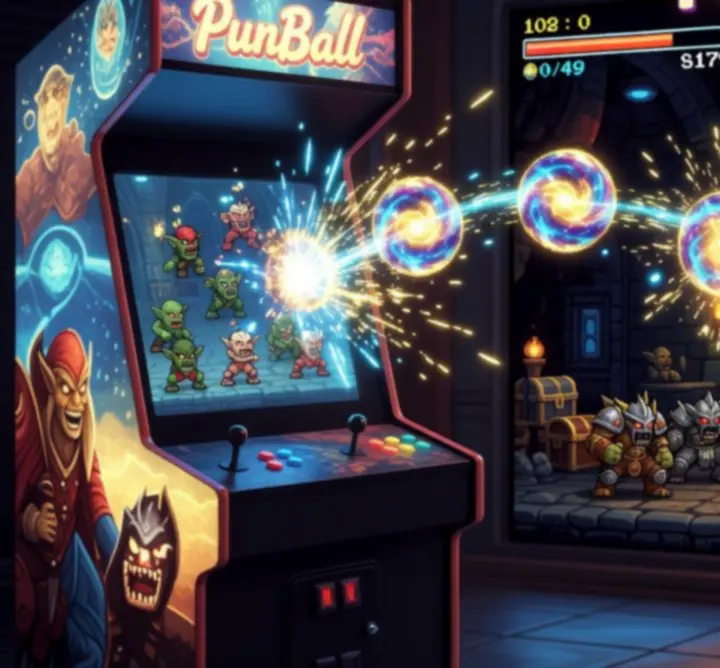
PunBall is a mobile action game where you control a magical hero and launch bouncing projectiles to clear waves of enemies. Each shot is a mix of physics, timing and planning, and every bounce matters.
1. Downloading PunBall
PunBall is available for both Android and iOS. Make sure you use the official store pages to keep your account secure and up to date.
- Open Google Play or the App Store on your device.
- Search for PunBall by Habby.
- Check the publisher and rating, then install.
Tip: Enable automatic updates so you always play on the latest balance patch and event content.
2. Navigating the main menu
After launching PunBall, you land on a compact main hub:
- Play / Start – jumps directly into the next stage of the campaign.
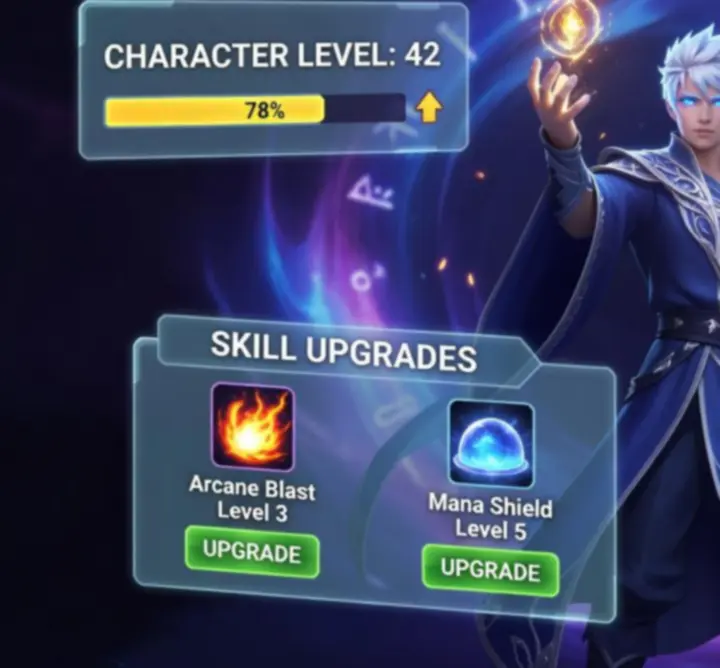
- Hero / Upgrades – manage power units, equipment and passive bonuses.
- Abilities – review unlocked skills and read short descriptions.
- Events & Shop – claim free rewards, time-limited offers and daily bonuses.
3. First run: bouncing projectile basics
When a wave starts, your hero appears at the bottom of the screen and enemies spawn above. You drag to aim, preview the angle, and release to fire a stream of projectiles that bounce around the arena.
- Aim line preview shows the first few bounces, helping you understand the shot's trajectory.
- Walls are your ally – use side and top walls to route shots behind enemy lines.
- Wave completion happens when all enemies' health reaches zero before they reach your hero.
As you progress, waves become denser and enemies harder. Your goal is to learn how to send shots that hit as many targets as possible before they disappear.